html
In the dynamic world of modern manufacturing, where precision, efficiency, and innovation are paramount, Computer-Aided Design (CAD) software stands as an indispensable tool for engineers. From conceptualization to final production, CAD transforms abstract ideas into tangible, manufacturable designs, serving as the digital bedrock upon which countless products are built. For Mitsubishi Manufacturing, understanding and leveraging the full potential of CAD is not merely an advantage; it is a fundamental requirement for staying competitive and driving progress. This comprehensive guide delves into the multifaceted aspects of CAD software, exploring its core functionalities, diverse applications, strategic benefits, and its profound integration with advanced manufacturing methodologies, all while looking ahead to the innovations shaping its future in 2026 and beyond.
The Indispensable Role of CAD Software for Engineers in Modern Manufacturing
At its core, CAD software for engineers is a revolutionary technology that allows designers and engineers to create, modify, analyze, and optimize a design digitally. Gone are the days of laborious manual drafting with pencils and paper; CAD ushers in an era of unparalleled accuracy, speed, and flexibility. For engineers in the manufacturing sector, CAD isn’t just a drawing tool; it’s a comprehensive platform for product development that impacts every stage of the lifecycle. It empowers them to visualize complex geometries, simulate real-world conditions, and collaborate seamlessly, ensuring that designs are not only aesthetically pleasing but also functional, manufacturable, and cost-effective.
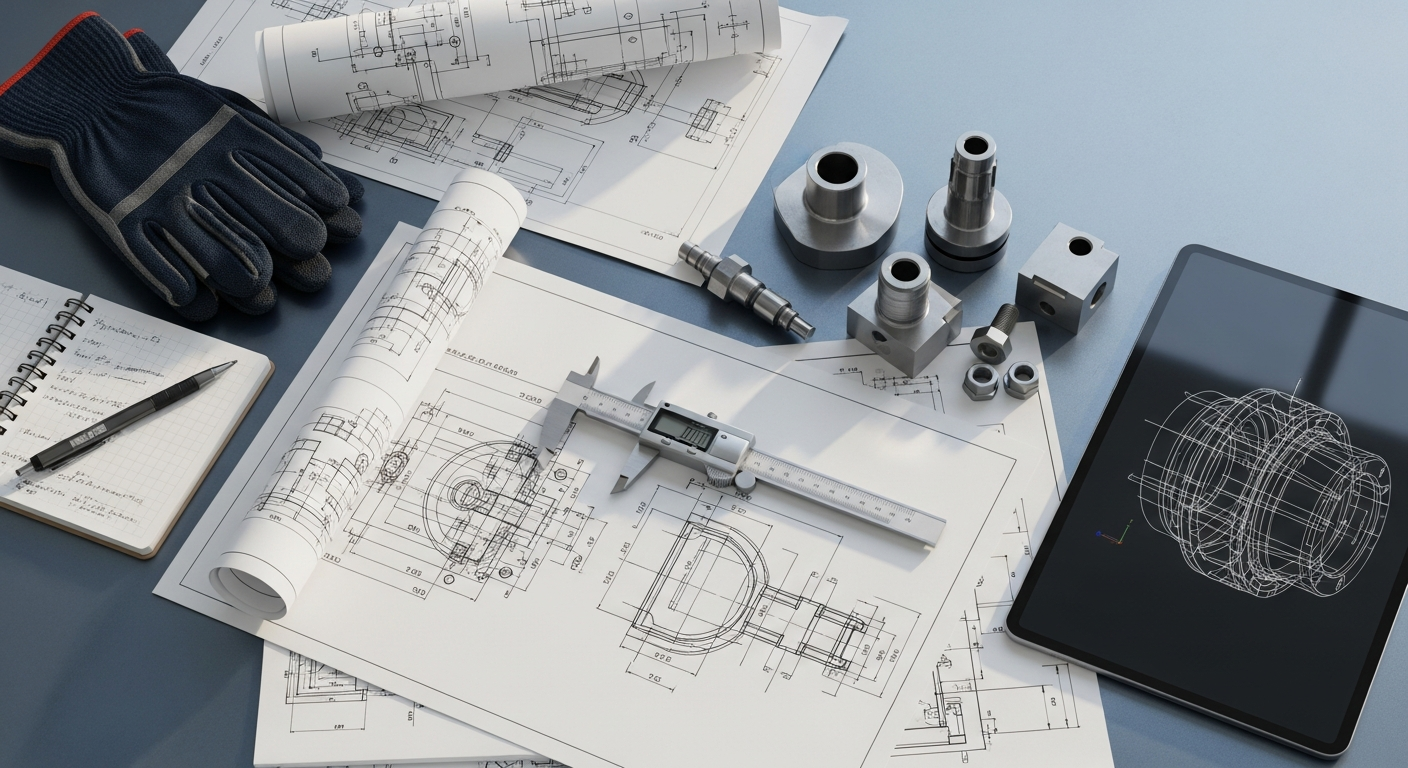
The evolution of CAD from rudimentary 2D drafting systems to sophisticated 3D parametric modeling environments has mirrored the advancements in manufacturing itself. Early systems, while groundbreaking, were limited in their scope. Today, modern CAD solutions offer robust features that address the intricate demands of industries ranging from automotive and aerospace to consumer electronics and heavy machinery. Engineers can now develop intricate assemblies with thousands of components, perform interference checks, and even prepare designs directly for manufacturing processes like CNC machining or 3D printing. This digital transformation has significantly reduced lead times, minimized errors, and fostered a culture of continuous improvement, making CAD a cornerstone of engineering excellence at Mitsubishi Manufacturing and across the global industrial landscape.
Core Functionalities and Strategic Benefits of Advanced CAD Systems
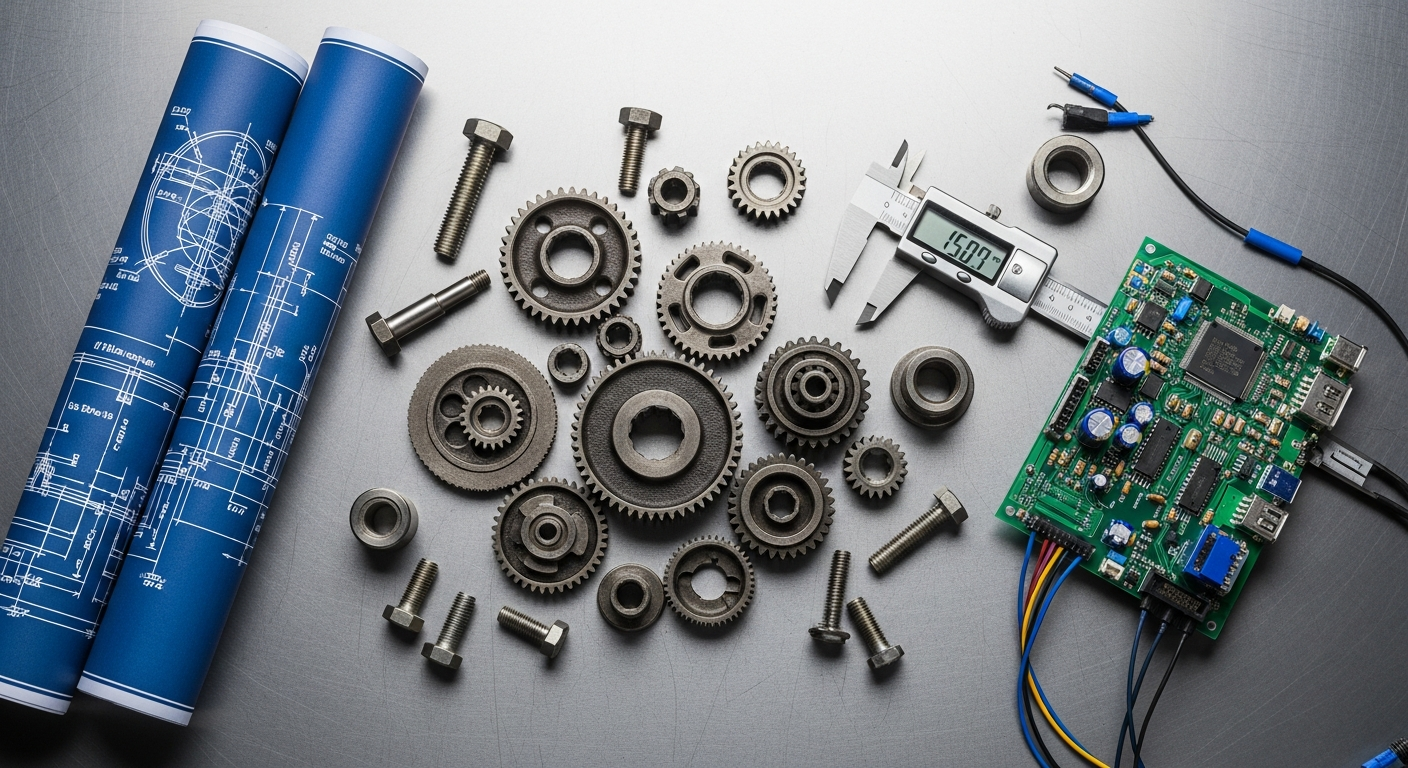
Modern CAD software offers a rich suite of functionalities that extend far beyond simple geometric creation, delivering substantial strategic benefits for engineers and manufacturing enterprises. Understanding these capabilities is key to maximizing productivity and innovation.
- 3D Parametric Modeling: This foundational functionality allows engineers to create designs using intelligent, feature-based parameters. Instead of simply drawing lines and arcs, engineers define relationships, dimensions, and constraints. Modifying a single parameter, such as a hole diameter or a part length, automatically updates the entire model and associated drawings. This capability is crucial for rapid design iteration and ensuring consistency across complex assemblies.
- Direct Modeling: Complementing parametric modeling, direct modeling offers a more intuitive, push-pull approach to manipulating geometry. It’s particularly useful for late-stage design changes or working with imported models without feature history, providing flexibility and speed.
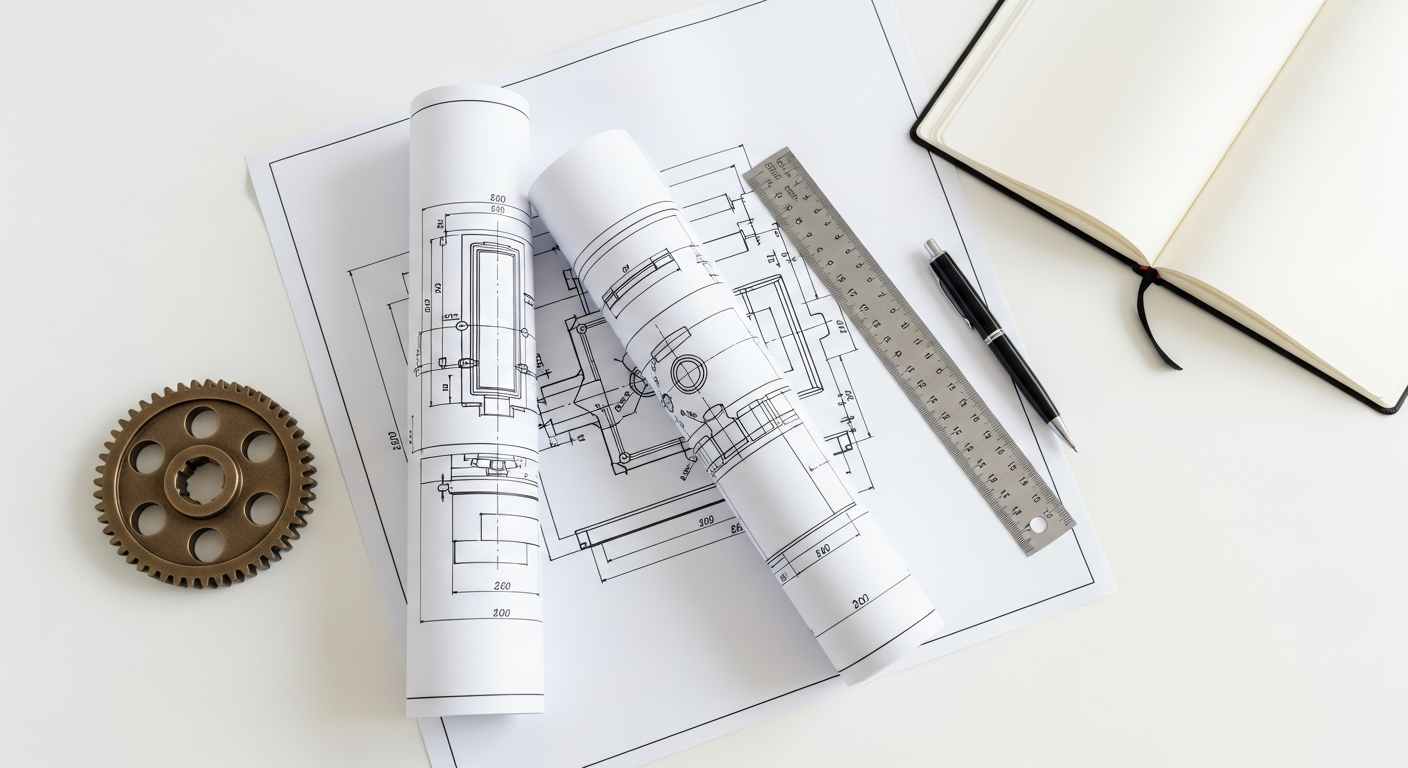
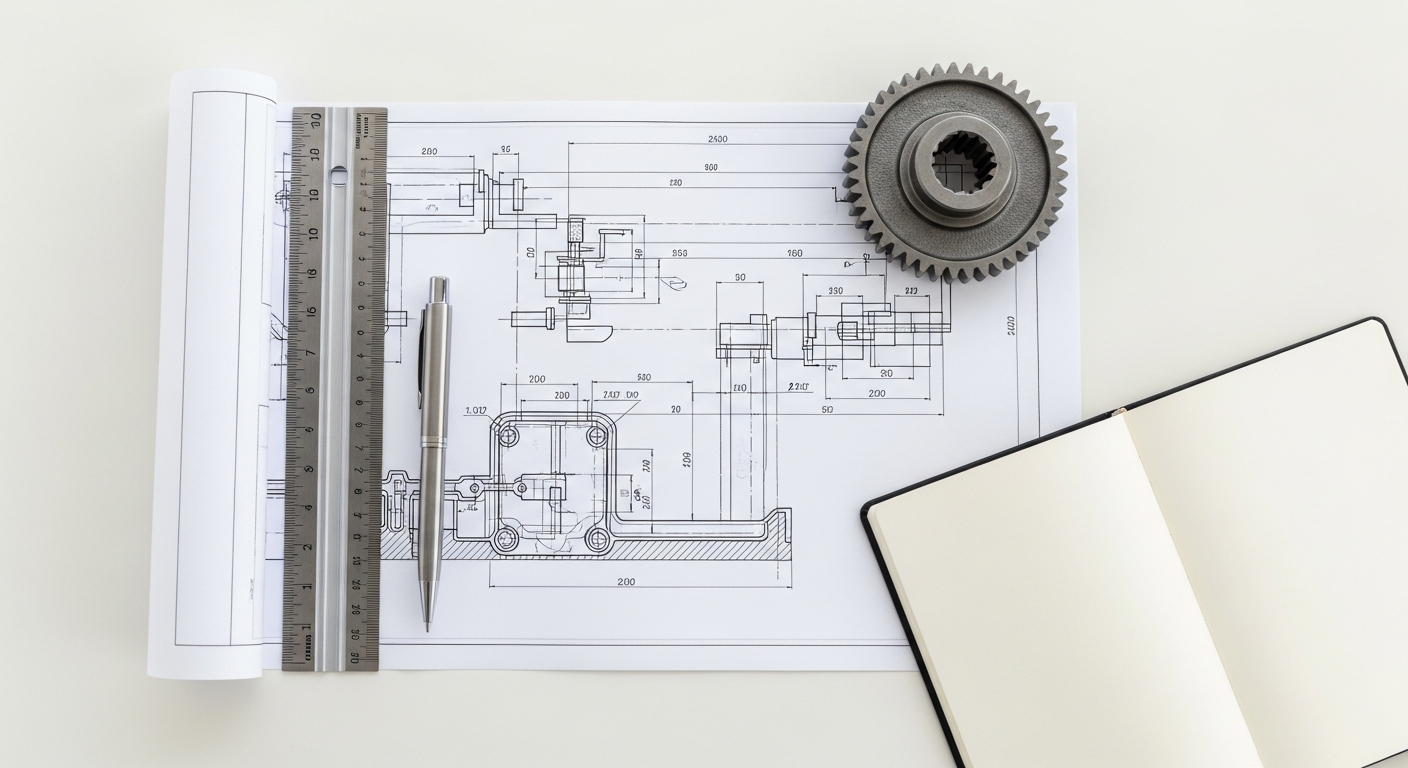
- 2D Drafting and Documentation: While 3D models are central, 2D drawings remain vital for manufacturing instructions, specifications, and quality control. CAD software automatically generates detailed 2D views from 3D models, including orthographic, isometric, and section views, complete with dimensions, annotations, and GD&T (Geometric Dimensioning and Tolerancing) callouts, adhering to industry standards.
- Assembly Design and Management: Engineers can create complex assemblies by combining individual parts. CAD tools facilitate the definition of relationships between components (mates, alignments), perform interference detection to identify clashes, and analyze motion studies to ensure proper functionality. This significantly reduces costly physical prototyping.
- Surface Modeling: For products requiring complex, aesthetically driven shapes, such as automotive exteriors or consumer product casings, surface modeling provides advanced tools to create and manipulate freeform surfaces with high precision and control.
- Simulation and Analysis (CAE Integration): Many CAD packages offer integrated or seamlessly linked Computer-Aided Engineering (CAE) tools, including Finite Element Analysis (FEA) for stress, strain, and thermal analysis, and Computational Fluid Dynamics (CFD) for fluid flow simulations. These capabilities allow engineers to predict product performance under various conditions, identify potential failure points, and optimize designs for strength, weight, or efficiency long before physical production.
- Collaboration and Version Control: Modern CAD platforms facilitate real-time collaboration among design teams, often across different geographical locations. Integrated version control systems track design changes, manage revisions, and prevent conflicts, ensuring that everyone is working with the most current data.
The strategic benefits derived from these functionalities are profound. They lead to increased design accuracy, significantly reduced design cycles, and a substantial decrease in prototyping costs. By identifying and rectifying design flaws early in the digital phase, engineers can prevent expensive rework during manufacturing, ultimately leading to higher product quality and faster time-to- market. Furthermore, CAD enhances communication across departments, from design to manufacturing to sales, by providing a universal, visual language for product specifications.
Diverse Types of CAD Software and Their Specialized Applications
The landscape of CAD software is diverse, with specialized tools catering to specific engineering disciplines and industry needs. While many fundamental principles overlap, the focus and advanced features can vary significantly.
- Mechanical CAD (MCAD): This is the most prevalent type of CAD for engineers in manufacturing. MCAD software is designed for creating and analyzing mechanical components and assemblies. It’s used extensively in industries such as automotive, aerospace, industrial machinery, and consumer product design. Tools like SolidWorks, Autodesk Inventor, CATIA, PTC Creo, and Siemens NX fall into this category. They excel at parametric solid modeling, assembly design, sheet metal design, and often include integrated CAM (Computer-Aided Manufacturing) and CAE capabilities to streamline the journey from design to production. Mitsubishi Manufacturing primarily utilizes MCAD solutions for its robust product development needs.
- Architectural, Engineering, and Construction (AEC) CAD: While related to design, AEC CAD focuses on building design, infrastructure, and construction projects. Software such as AutoCAD and Autodesk Revit are prominent here, often incorporating Building Information Modeling (BIM) principles. While not directly for discrete product manufacturing, the principles of digital design and collaboration are shared.
- Electronic CAD (ECAD): Also known as EDA (Electronic Design Automation), ECAD software is specifically tailored for designing electronic systems, including printed circuit boards (PCBs), integrated circuits, and electrical schematics. Altium Designer, Eagle, and OrCAD are examples. This type of CAD is crucial for companies developing products with embedded electronics, ensuring proper component placement, routing, and signal integrity.
- Computer-Aided Manufacturing (CAM): Often discussed in conjunction with CAD, CAM software translates CAD designs into machine-readable instructions (G-code) for manufacturing equipment like CNC machines, 3D printers, and industrial robots. While separate, CAD-CAM integration is critical for a seamless design-to-production workflow, ensuring that designs are optimized for specific manufacturing processes and equipment.
- Computer-Aided Engineering (CAE): As mentioned earlier, CAE encompasses simulation and analysis tools. While often integrated within CAD suites (e.g., SolidWorks Simulation), standalone CAE software provides more advanced capabilities for complex simulations such as non-linear FEA, multi-body dynamics, and fatigue analysis. These tools are vital for validating designs and predicting performance under extreme conditions.
For a manufacturing powerhouse like Mitsubishi, the primary focus is on robust MCAD software, often supplemented by integrated CAM and CAE functionalities. The ability of MCAD to handle complex mechanical assemblies, intricate part geometries, and facilitate precise manufacturing documentation makes it an indispensable asset in developing high-quality, reliable products.
Key Considerations When Selecting CAD Software for Engineering Teams
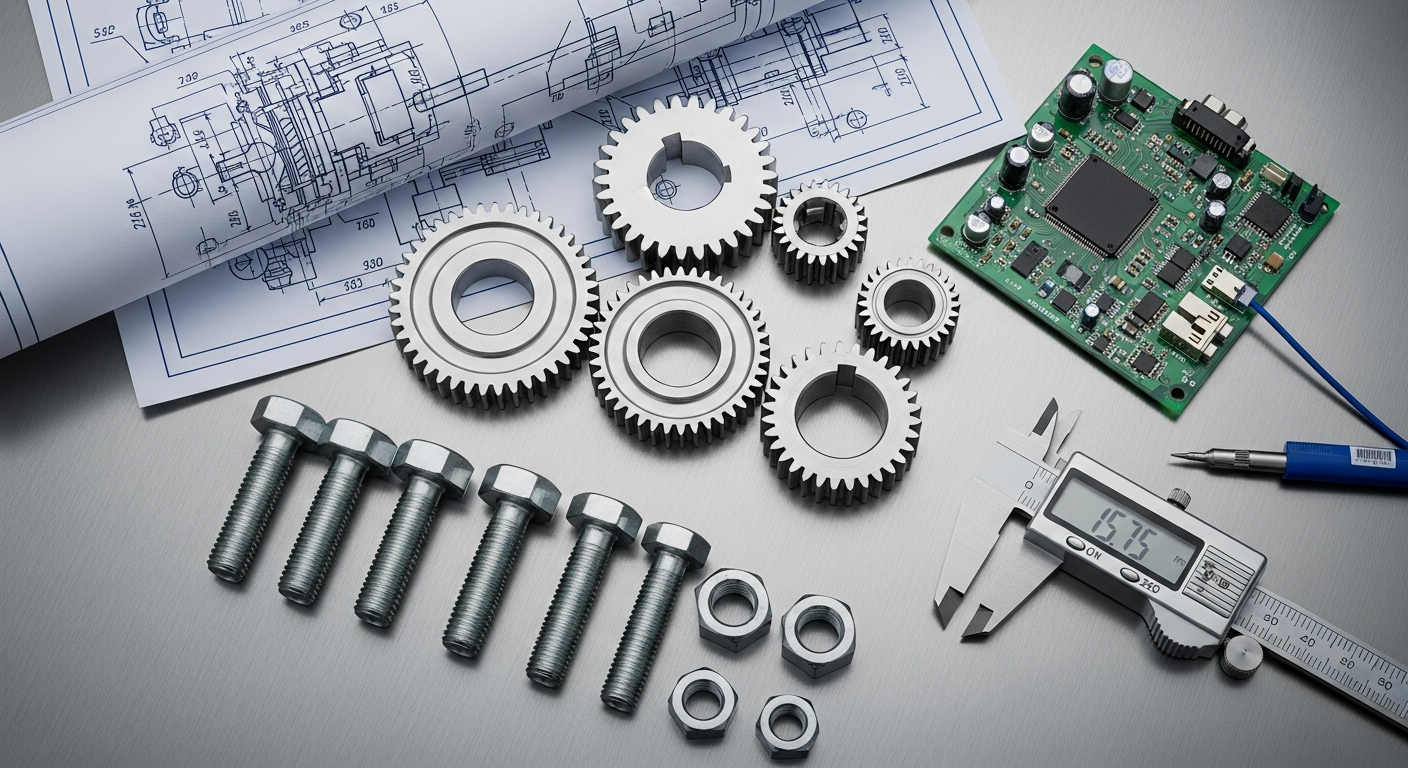
Choosing the right CAD software is a strategic decision that can significantly impact an engineering team’s productivity, efficiency, and ultimately, a company’s success. For Mitsubishi Manufacturing, the selection process involves a careful evaluation of several critical factors to ensure the chosen solution aligns with long-term objectives and operational realities.
- Industry-Specific Needs and Application Scope: The first consideration is whether the software caters to the specific demands of your industry. For mechanical engineering and discrete manufacturing, an MCAD solution with strong parametric modeling, assembly design, and robust drafting capabilities is essential. Evaluate if the software supports specific standards, material libraries, or design processes relevant to your products.
- Ease of Use and Learning Curve: While advanced features are important, a steep learning curve can hinder adoption and productivity. Consider the intuitiveness of the user interface, the availability of tutorials, and the overall user experience. Investing in a user-friendly system, coupled with proper training, can significantly reduce the time it takes for engineers to become proficient.
- Integration with Existing Systems: Modern manufacturing relies on an interconnected digital ecosystem. The chosen CAD software must seamlessly integrate with other critical systems such as Product Lifecycle Management (PLM), Enterprise Resource Planning (ERP), Customer Relationship Management (CRM), and CAM software. This ensures a smooth flow of data, reduces manual data entry, and minimizes errors across the product development lifecycle.
- Performance and Hardware Requirements: High-performance CAD operations, especially with large assemblies or complex simulations, demand significant computing power. Evaluate the software’s hardware recommendations (processor, RAM, graphics card) and ensure your existing infrastructure, or planned upgrades, can support optimal performance. Cloud-based CAD can mitigate some local hardware dependencies.
- Vendor Support, Community, and Ecosystem: A strong vendor with reliable technical support, regular updates, and a clear product roadmap is crucial. A vibrant user community, online forums, and third-party add-ons can also provide valuable resources, extending the software’s capabilities and offering solutions to common challenges.
- Cost and Licensing Models: CAD software comes with various pricing structures, including perpetual licenses, subscription models (monthly or annual), and tiered feature sets. Evaluate the total cost of ownership, including initial purchase, maintenance, upgrades, and training, to find a solution that fits your budget without compromising essential features.
- Scalability and Future-Proofing: As your company grows and technology evolves, your CAD needs may change. Choose software that can scale with your operations, offering advanced modules or expanded capabilities as required. Consider features that support emerging trends like generative design, additive manufacturing, and cloud collaboration to future-proof your investment.
By meticulously weighing these factors, Mitsubishi Manufacturing can select CAD software for engineers that not only meets current operational demands but also positions the organization for future innovation and sustained competitive advantage.
The Evolving Landscape of CAD: Future Trends for Engineers in 2026
The realm of CAD software is in a constant state of evolution, driven by advancements in computing power, artificial intelligence, and the increasing demand for greater efficiency and innovation in manufacturing. Looking ahead to 2026, several transformative trends will redefine how engineers interact with CAD systems and design products.
- Cloud-Based CAD and SaaS Models: The shift towards cloud computing is accelerating. Cloud-based CAD offers unparalleled flexibility, accessibility, and collaboration. Engineers can access their designs from anywhere, on any device, facilitating global team collaboration and reducing reliance on expensive local hardware. Software-as-a-Service (SaaS) models are becoming more prevalent, offering scalable subscriptions and automatic updates, ensuring engineers always have access to the latest features without significant upfront investment. This trend is particularly beneficial for distributed teams and supply chains.
- Generative Design and AI Integration: Artificial intelligence and machine learning are poised to revolutionize the design process. Generative design, a leading application, allows engineers to define design goals (e.g., weight, strength, material, manufacturing method), and the AI algorithm automatically generates hundreds or thousands of optimized design alternatives. This empowers engineers to explore design spaces that would be impossible manually, leading to highly optimized, often organic, structures perfectly suited for specific manufacturing processes like additive manufacturing. AI will also enhance design optimization, predictive analysis, and even automate repetitive design tasks.
- Virtual Reality (VR) and Augmented Reality (AR) for Design Review: VR and AR technologies are moving beyond gaming into practical engineering applications. In 2026, engineers will increasingly use VR headsets to immerse themselves in 3D designs, allowing for incredibly detailed design reviews, ergonomic assessments, and virtual prototyping. AR, on the other hand, will overlay digital design information onto the physical world, aiding in assembly instructions, maintenance, and quality control. This enhances visualization and communication, catching errors earlier and improving stakeholder engagement.
- Digital Twin Technology: The concept of a “digital twin”—a virtual replica of a physical product or system—is gaining traction. CAD models form the foundation of these digital twins, which are then enriched with real-time data from sensors on the physical product. This allows engineers to monitor performance, predict failures, and optimize operations throughout the product’s lifecycle, creating a powerful feedback loop for future design iterations.
- Enhanced Integration with Additive Manufacturing: As additive manufacturing (3D printing) becomes more mainstream, CAD software is evolving to provide native support for designing parts specifically for these processes. This includes lattice structure generation, topology optimization, and tools for ensuring printability, allowing engineers to fully leverage the geometric freedom offered by 3D printing.
- Parametric Design and Automation: The power of parametric design will be further amplified by automation tools. Engineers will increasingly use scripting and visual programming interfaces within CAD to automate repetitive tasks, create custom features, and develop design configurations based on rules and logic, freeing up time for more complex problem-solving and innovation.
These trends collectively point towards a future where CAD software for engineers is not just a tool for creating geometry, but an intelligent, collaborative, and predictive platform that drives unprecedented levels of innovation and efficiency in manufacturing, perfectly aligning with Mitsubishi Manufacturing’s vision for 2026.
Integrating CAD with Modern Manufacturing Practices: Lean, Waste Reduction, and Materials Science
The true power of CAD software is unleashed when it is seamlessly integrated with modern manufacturing philosophies and scientific principles. For Mitsubishi Manufacturing, this integration is critical for achieving operational excellence, minimizing costs, and maintaining a competitive edge.
Leveraging CAD for Lean Manufacturing Principles Explained
Lean Manufacturing Principles Explained emphasize maximizing customer value while minimizing waste. CAD software plays a pivotal role in supporting these principles throughout the product development lifecycle:
- Eliminating Design Waste (Muda): CAD allows for rapid iteration and digital prototyping, significantly reducing the need for costly physical prototypes that can be considered waste. Engineers can test multiple design variations virtually, identifying and correcting flaws before any material is consumed. This proactive approach minimizes rework and scrap later in the manufacturing process.
- Optimizing Design for Manufacturability (DFM): By integrating DFM tools, CAD enables engineers to design parts that are inherently easier and more cost-effective to produce. This involves simplifying geometries, reducing part counts, and ensuring compatibility with existing manufacturing processes, thereby streamlining production and reducing unnecessary steps or complexity.
- Streamlining Information Flow: CAD models serve as a single source of truth for product data, eliminating ambiguity and miscommunication between design, engineering, and manufacturing teams. This digital continuity reduces “waiting” waste (delays due to lack of information) and ensures that all stakeholders are working from the most current and accurate data.
- Reducing Overprocessing: CAD’s precision ensures that components are designed to exact specifications, preventing over-engineering or the addition of unnecessary features that do not add value. Simulation tools can validate designs for required performance, avoiding the waste of excessive material or overly complex manufacturing processes.
By embedding Lean principles into the CAD design process, Mitsubishi Manufacturing can achieve significant gains in efficiency, quality, and responsiveness.
CAD’s Contribution to Manufacturing Waste Reduction Strategies
Manufacturing Waste Reduction Strategies are directly enhanced and supported by advanced CAD capabilities. The digital environment provided by CAD offers unprecedented opportunities to identify and eliminate waste sources before they manifest on the factory floor:
- Material Optimization: CAD software, often coupled with CAE tools, allows engineers to optimize part geometry for minimal material usage without compromising structural integrity. Features like topology optimization (often driven by generative design) can remove unnecessary material, leading to lighter, stronger parts and significant raw material savings. Precise nesting capabilities for sheet metal or composite materials, often integrated with CAM, further minimize scrap.
- Error Prevention and Rework Reduction: Digital prototyping and simulation capabilities within CAD are powerful tools for preventing costly errors. Interference detection in assemblies, kinematic simulations, and stress analysis can identify design flaws that would otherwise lead to expensive rework, rejected parts, or even product recalls during physical production.
- Tooling and Fixture Design Optimization: Beyond product design, CAD is instrumental in designing efficient tooling, jigs, and fixtures. Optimizing these elements ensures smoother manufacturing processes, reduces setup times, and minimizes errors during assembly, all contributing to waste reduction.
- Virtual Prototyping: The ability to create, test, and refine designs virtually drastically cuts down on the need for expensive physical prototypes, which represent a significant form of waste in terms of materials, labor, and time.
Through these mechanisms, CAD acts as a proactive defense against various forms of manufacturing waste, aligning perfectly with Mitsubishi Manufacturing’s commitment to sustainable and efficient operations.
Integrating Materials Science In Manufacturing through CAD
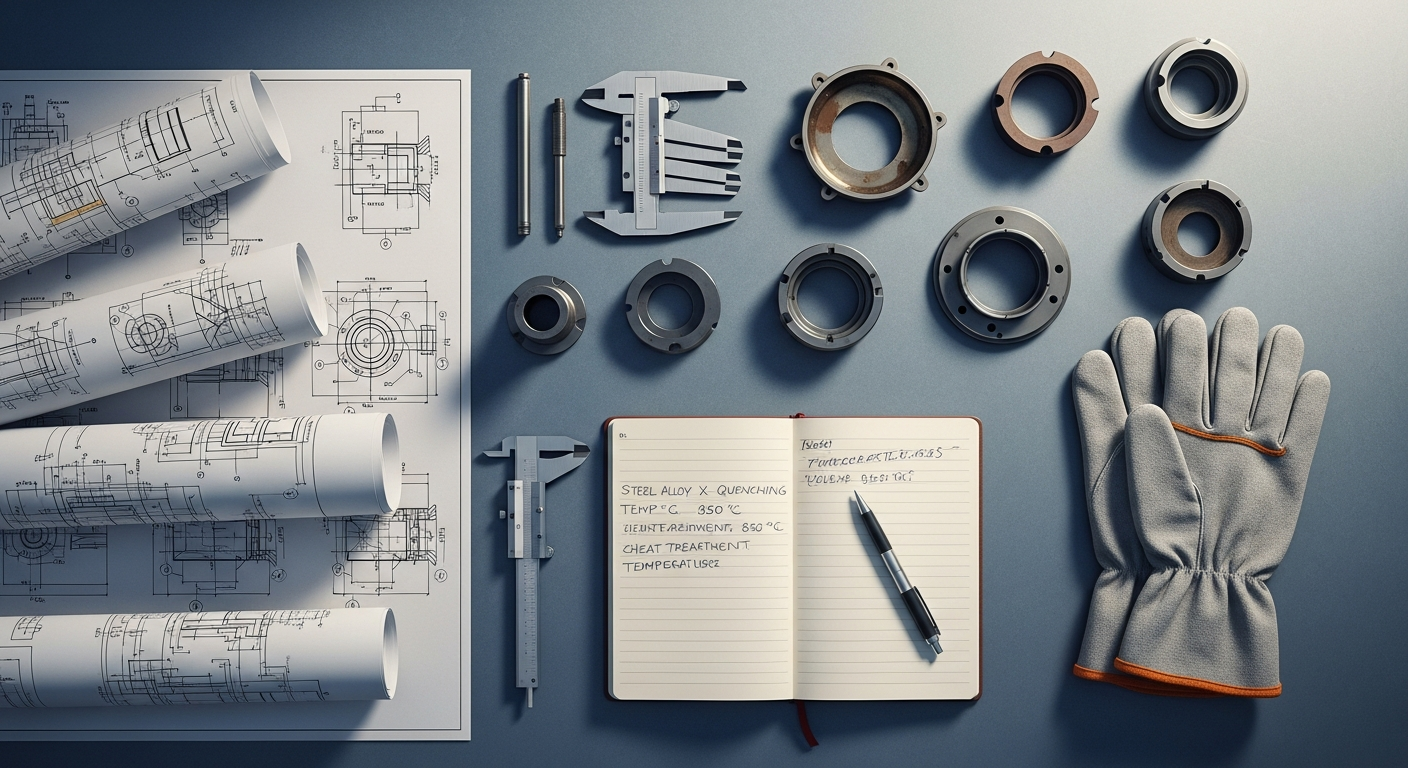
The intersection of Materials Science In Manufacturing and CAD software is becoming increasingly critical for developing high-performance, durable, and sustainable products. Modern CAD environments facilitate informed material selection and optimization:
- Integrated Material Libraries and Databases: Advanced CAD systems include extensive material libraries with detailed properties (mechanical, thermal, electrical). Engineers can assign specific materials to components in their CAD models, and these properties are then used in subsequent CAE simulations to accurately predict how the part will behave under various conditions.
- Performance Prediction and Optimization: By integrating material properties, CAD-linked CAE tools can simulate stress, strain, fatigue, heat transfer, and fluid flow. This allows engineers to understand how different materials will perform in a specific application, enabling them to select the optimal material for a given design, considering factors like strength-to-weight ratio, cost, and environmental impact.
- Designing with Advanced Materials: As new materials (e.g., advanced composites, lightweight alloys, smart materials) emerge, CAD software adapts to support their unique characteristics. Engineers can design components that fully leverage the advantages of these materials, leading to innovative products with superior performance or reduced environmental footprint.
- Failure Analysis and Design for Reliability: By simulating material behavior under various loads and environmental conditions, engineers can predict potential failure modes and design for enhanced reliability and longevity. This is crucial for products where safety and long-term performance are paramount.
- Sustainability and Lifecycle Assessment: Some advanced CAD tools are beginning to incorporate features that help engineers assess the environmental impact of material choices throughout a product’s lifecycle, from raw material extraction to end-of-life disposal. This allows for more sustainable design decisions aligned with corporate responsibility goals.
By bringing materials science directly into the design phase via CAD, engineers at Mitsubishi Manufacturing can make smarter, data-driven decisions that result in superior products, optimized for performance, cost, and sustainability.
Conclusion: CAD as the Engine of Innovation for Mitsubishi Manufacturing
In conclusion, CAD software for engineers is far more than a digital drawing board; it is the central nervous system of modern manufacturing innovation. Its ability to facilitate precise 3D modeling, enable rapid prototyping, integrate with advanced simulation tools, and streamline collaboration has fundamentally transformed the product development lifecycle. For a global leader like Mitsubishi Manufacturing, leveraging cutting-edge CAD solutions is not merely about efficiency; it’s about pushing the boundaries of what’s possible, fostering a culture of continuous improvement, and delivering products of unparalleled quality and performance.
As we look towards 2026 and beyond, the ongoing evolution of CAD, driven by cloud computing, artificial intelligence, and immersive technologies, promises even greater capabilities. By strategically integrating CAD with core principles such as Lean Manufacturing Principles Explained, implementing robust Manufacturing Waste Reduction Strategies, and making informed decisions based on Materials Science In Manufacturing, engineers are empowered to design products that are not only innovative and functional but also sustainable, cost-effective, and ready for the demands of Industry 4.0. The strategic investment in and intelligent application of CAD software will continue to be a cornerstone of Mitsubishi Manufacturing’s success, ensuring our position at the forefront of the global industrial landscape.
Frequently Asked Questions About CAD Software for Engineers
What is the primary purpose of CAD software for engineers in manufacturing?
The primary purpose of CAD software for engineers in manufacturing is to facilitate the digital creation, modification, analysis, and optimization of product designs. It serves as the foundational tool for transforming conceptual ideas into detailed, manufacturable 3D models and 2D drawings. This enables engineers to visualize designs, perform simulations, identify potential issues early, and prepare accurate data for subsequent manufacturing processes, ultimately accelerating product development and improving quality.
How does CAD contribute to Lean Manufacturing Principles?
CAD significantly contributes to Lean Manufacturing Principles by enabling engineers to identify and eliminate various forms of waste (Muda) at the design stage. It allows for digital prototyping, reducing the need for costly physical prototypes and associated material/time waste. CAD facilitates Design for Manufacturability (DFM) by optimizing part geometry for easier production, thereby streamlining processes and reducing rework. Furthermore, it improves information flow, minimizing delays and ensuring that designs are precise and free from ambiguities that could lead to waste in production.
Can CAD software help in reducing manufacturing waste?
Absolutely. CAD software is a powerful tool for Manufacturing Waste Reduction Strategies. It enables material optimization through features like topology optimization and precise nesting, minimizing scrap. Digital simulation and interference detection prevent costly errors and rework during production. By allowing extensive virtual testing, CAD reduces the need for expensive physical prototypes, saving materials, labor, and time. Ultimately, designing with precision and foresight in CAD directly translates to less waste on the factory floor.
What role does Materials Science play in CAD design for engineers?
Materials Science In Manufacturing plays a critical and increasingly integrated role in CAD design. Modern CAD software incorporates extensive material libraries and allows engineers to assign specific material properties to their designs. This enables accurate simulations (e.g., stress, thermal, fatigue analysis) within CAD-linked CAE tools, predicting how a product will perform with a chosen material. This integration helps engineers select the optimal material for specific applications, considering factors like strength, weight, cost, and environmental impact, thereby optimizing product performance and sustainability before any physical material is processed.
Is cloud-based CAD the future for engineering design in 2026?
Yes, cloud-based CAD is strongly positioned to be a dominant force in engineering design by 2026. It offers enhanced accessibility, allowing engineers to work from anywhere, on various devices. Its collaborative features facilitate real-time teamwork across global teams and supply chains. Cloud-based solutions often operate on a Software-as-a-Service (SaaS) model, providing automatic updates and reducing IT overhead. This flexibility, scalability, and collaborative power make cloud-based CAD an increasingly attractive and strategic choice for modern manufacturing enterprises.
What are the essential skills for an engineer using CAD in 2026?
Beyond core CAD proficiency (3D modeling, drafting, assembly), engineers in 2026 will need a broader set of skills. These include a strong understanding of Design for Manufacturability (DFM) and Design for Assembly (DFA), analytical skills for interpreting simulation results (CAE), and an awareness of generative design principles. Collaboration and communication skills will be crucial for distributed teams. Additionally, familiarity with data management (PLM), an understanding of additive manufacturing principles, and an ability to adapt to new technologies like AI and VR/AR integration within CAD will be highly valued.
Recommended Resources
For more on CAD software for, see Roth Ira Vs 401K Comparison 2026 on Diaal News.
Explore How To Contact Representatives About Healthcare for additional insights.